
How do I reset my LuxID account password?
Forgotten your password? To choose a new one, follow each step of the reset procedure:
Open the app and press “LOG IN TO MYPOST”

A pop-up appears prompting you to sign in with LuxID. Tap “Continue”.

The LuxID page opens. Click “Forgot password”.

Enter your LuxID username, then click “Reset password”.
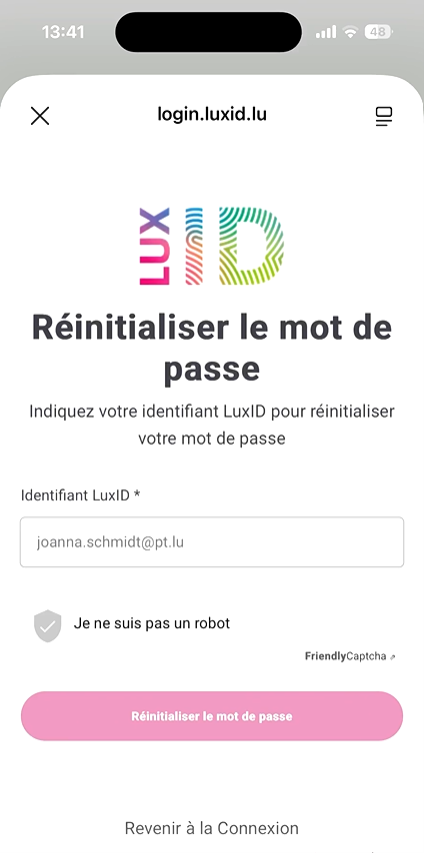
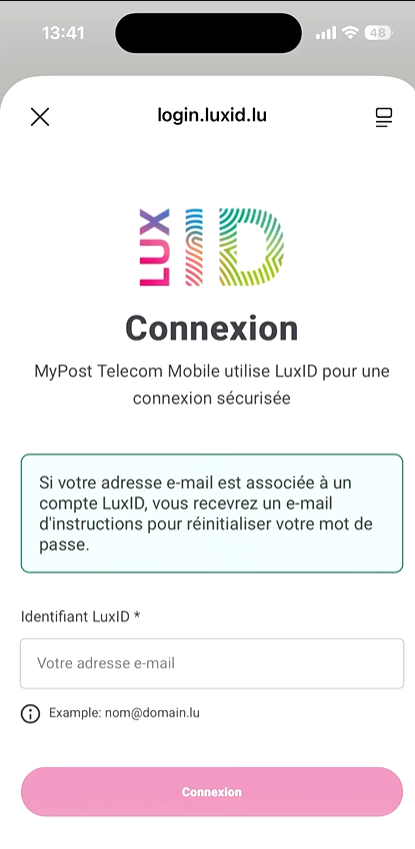
An email to reset your password will be sent to you. This may take a few minutes.
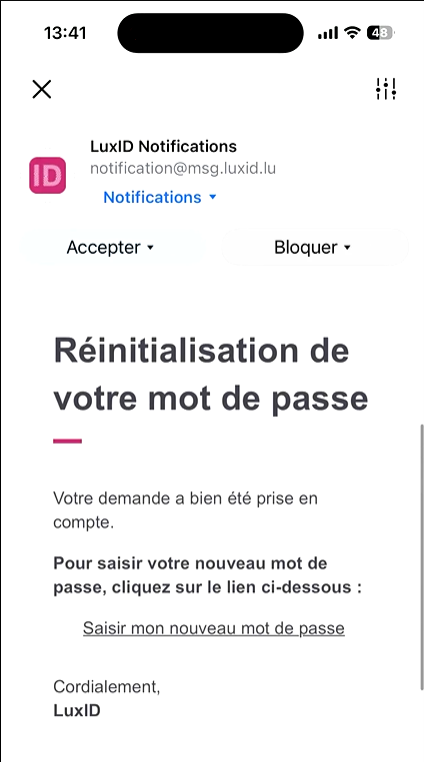
In the email you receive, click “Enter a new password”.
You are redirected to the LuxID page to set your new password. Click “Change password”.

Once finished, return to the MyPost mobile app and sign in by following the FAQ: “I already have a LuxID account. How do I sign in to the MyPost Telecom app?”