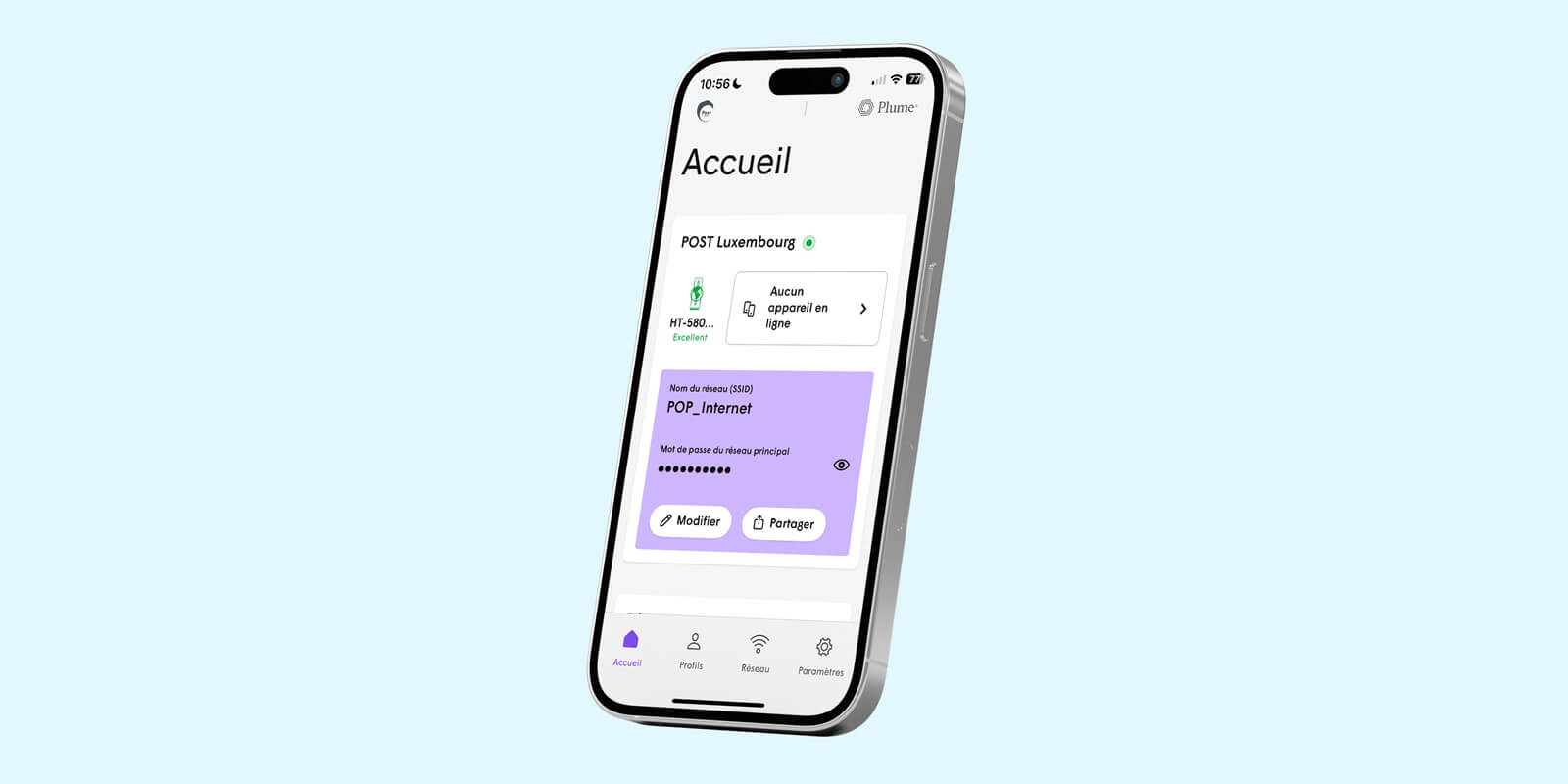
Personalise your WiFi with Plume Home™
Discover the wide range of features in the Plume Home™ app to manage your WiFi with ease.
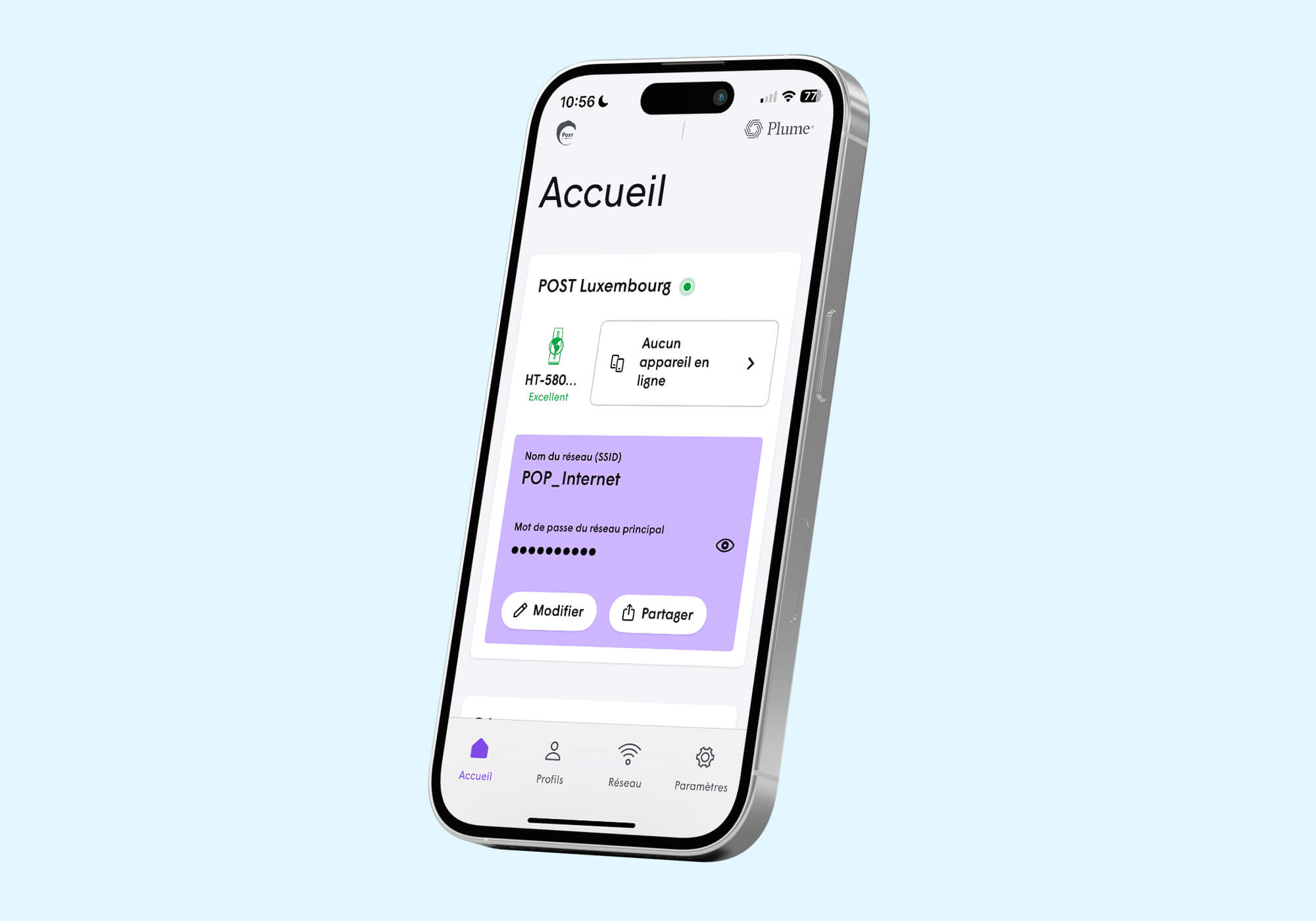
How to activate the Plume Home™ app?
Install the app and sign in for the first time to start managing your WiFi.
How to change your network name and password?
Change your network name and password with ease.
How to share your network with guests?
Easily share access to your WiFi with guests via a link or QR code.
How to manage your network settings?
Manage the advanced settings of your network, such as IP addresses, DNS, UPnP or port forwarding.
More features with POP WiFi+
Discover additional Plume Home™ features included with the POP WiFi+ option.
How to create a profile?
Create profiles for members of your household to manage WiFi access more easily.
How to set a timeout?
Temporarily pause WiFi access for a profile.
How to create a Focus?
Create Focuses to schedule WiFi‑free moments for one or more profiles.
How to create a Boost?
Create a Boost to temporarily give priority to a device’s WiFi connection.
Our Starter Kit POP WiFi+
- Full access to the Plume Home™ app + 1 Extender
Without commitment
Additional Extender: €4,50/month

Do you have any other questions?
Call us free of charge on 8002 8004 or +352 2424 8004 for international calls, 24/7.
Or make an appointment in Espace POST: